Auto-capture
Save finished conversations without exporting anything.
Vesti · working memory for agents
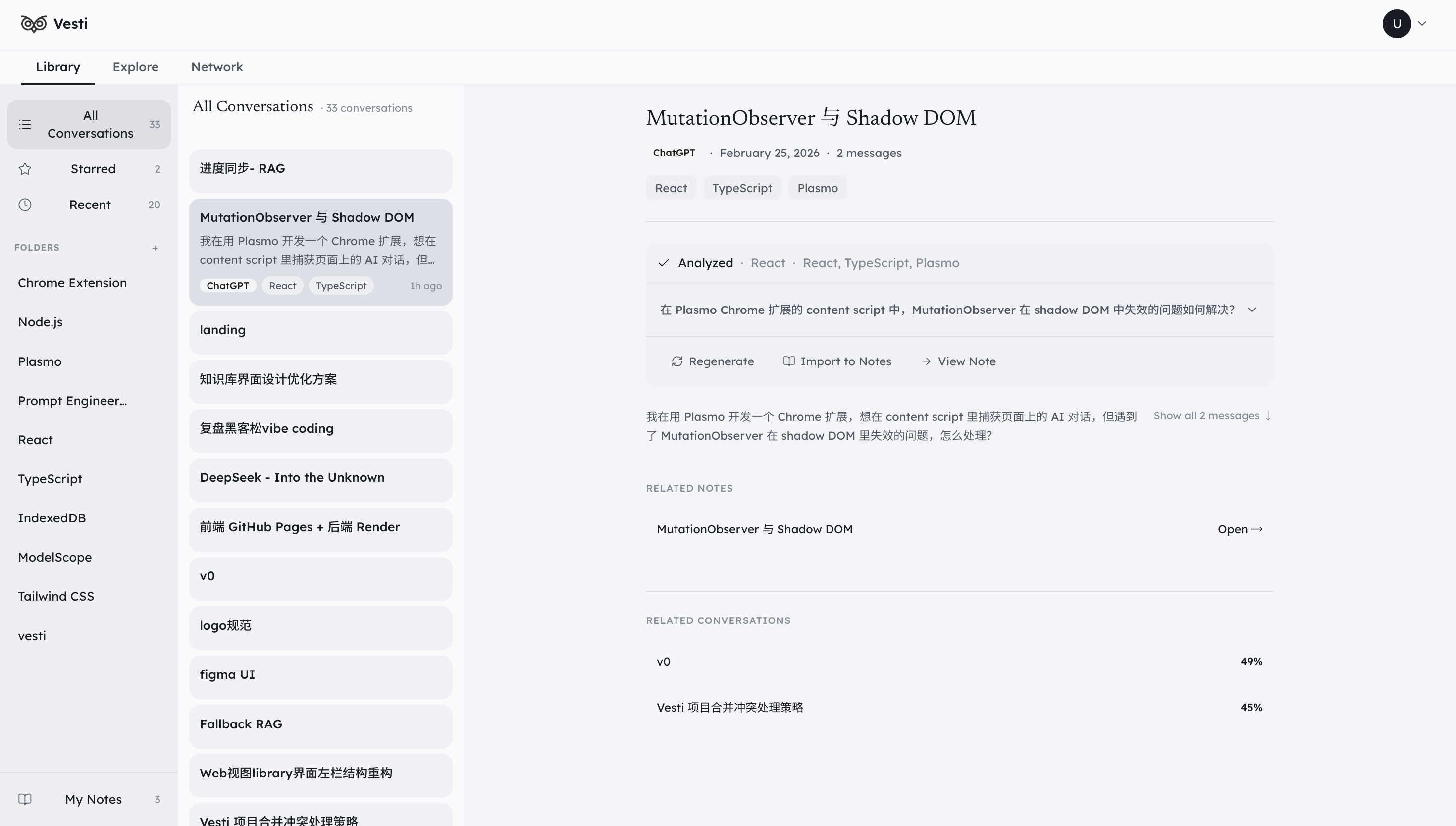
Vesti captures every agent conversation, organizes it into structured local memory, and serves it back to any agent that needs the context.
Vesti library
Search and reopen
Enterprise · FDE
Our engineers embed with your team and turn one real scenario into a running, measurable, re-testable agent system in 4–20 weeks — private deployment, evidence chains, humans at the final gate.
Explore Enterprise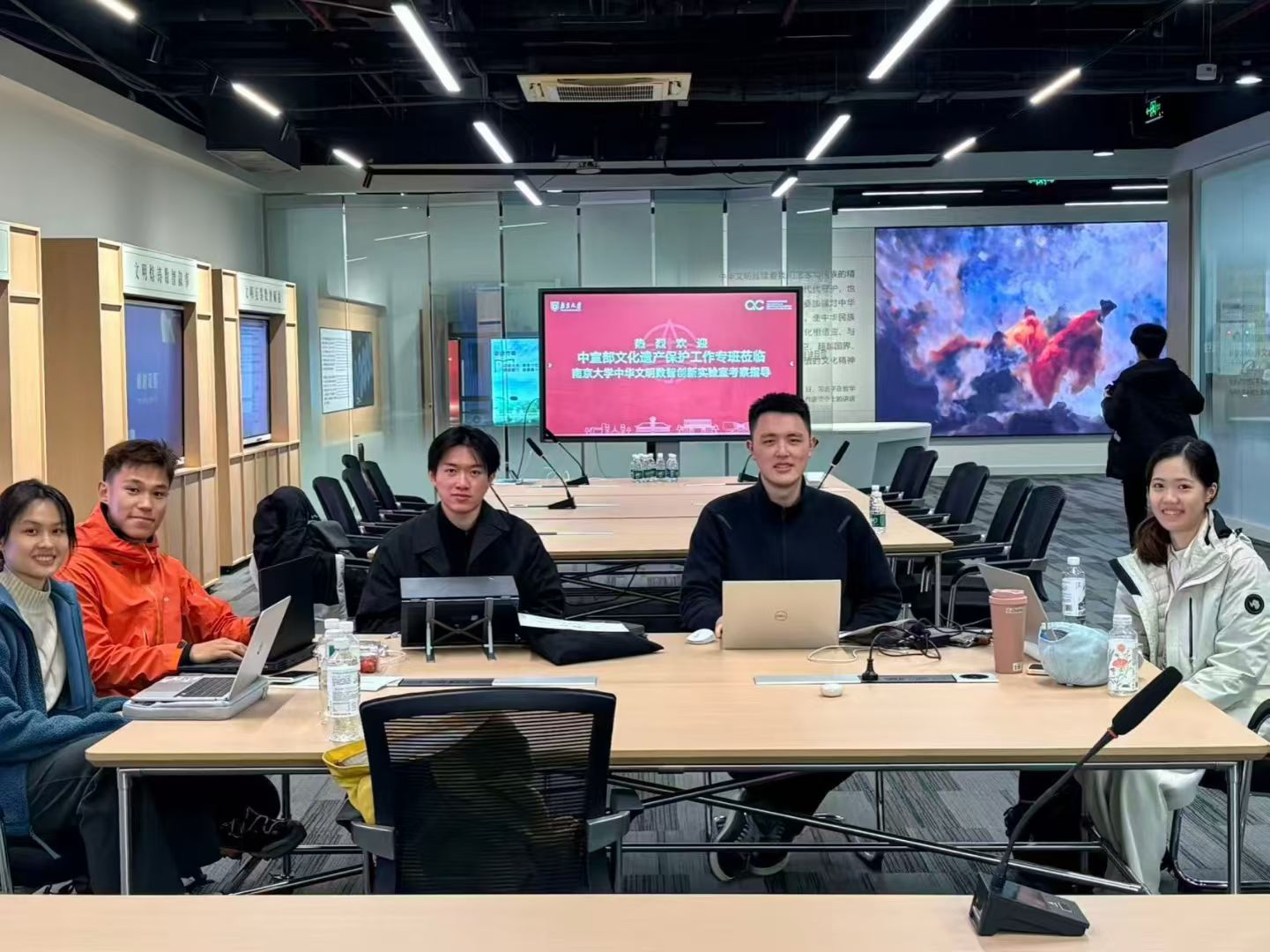
Team
An interdisciplinary team from Nanjing University, Fudan, SJTU and USTC — gold medalists at the AI Hackathon Tour national finals and GOSIM Paris 2026 Frontier Creators. Zero to launch in 63 days, 463 commits.
Meet the teamFeatures
Save finished conversations without exporting anything.
Find past prompts, notes, and decisions in seconds.
Keep your conversation history on your own machine.
Reopen the exact thread instead of starting over.
Demo
Capture the thread, search it later, and reopen the context fast.
Skills
VESTI Skills (MIT) make your AI coding agent remember everything you have done — and hand the work over to the next agent, intact.
vesti-memory
Progressive disclosure: pull the project context pack at session start, then drill from session index to file locations to exact turns.
Requires the VESTI desktop app running locally with vesti-mcp registered.
vesti-handoff
Generates a schema-based handoff pack — goal, state, files, failedPaths, verification, nextSteps — so the next agent starts from proof, not trust.
Standalone — works without VESTI.
Install
One command in Kimi Code or Claude Code — or copy the skills manually into any agent's skills directory.
GitHub — VESTI-SKILLSJust tell your agent
Install the VESTI skills from GitHub: clone https://github.com/firefly-hefeng/VESTI-SKILLS to a temp dir, copy skills/vesti-memory and skills/vesti-handoff into your user-level skills directory (~/.kimi-code/skills/ for Kimi Code, ~/.claude/skills/ for Claude Code, or your tool's equivalent), then list what you installed and tell me whether a restart or new session is needed.
Paste this to Kimi Code, Claude Code, Codex or any shell-capable agent — it clones, copies and verifies by itself. Skills activate in a new session.
One-command install
RecommendedKimi Code
/plugins install https://github.com/firefly-hefeng/VESTI-SKILLSRun /reload afterwards to activate.
Claude Code
/plugin marketplace add firefly-hefeng/VESTI-SKILLS/plugin install vesti-skills@vesti-skillsgit clone https://github.com/firefly-hefeng/VESTI-SKILLS.git| Agent | User-level | Project-level |
|---|---|---|
| kimi-code | cp -r skills/<name> ~/.kimi-code/skills/ | .kimi-code/skills/ |
| Claude Code | cp -r skills/<name> ~/.claude/skills/ | .claude/skills/ |
| Codex / Cursor / others | Import the full SKILL.md per the tool's skills/prompt convention | Same as user-level |
vesti-handoff works standalone. vesti-memory needs the VESTI desktop app (or @vesti/mcp) providing the MCP tools.
Download
Capture agent work where it happens — in the browser, and in your local CLI coding agents.
Browser extension · v1.2.0-rc.9
Auto-capture conversations across ChatGPT, Claude, Gemini, DeepSeek, Tongyi, Doubao, Kimi and Yuanbao — structured, searchable, local-first.
SHA-256: f8c869e42b8070008c7723104eea8b62d29b31f7c4f6c11579f2d53be0a652b9
Desktop app · Windows · v0.3.1
Capture Claude Code, Cursor, Kimi Code and Codex sessions into an L0–L3 layered memory system, with a built-in MCP server any agent can mount.
Vesti-0.3.1-Setup.exe · 160.4 MB